
Ownership change – byer

(The PIN code feature is unavailable for foreign users with a foreign member association linked to their account.)

Cat’s ownership is redeemed with PIN-code, and all owner’s will need to redeem it personally. The PIN – code you can get from the seller via e.g. email or paper.

  1. Go to Cats – tab, click the Give PIN-code for ownership change -button (picture 1)
    Picture 1: Give the PIN-code for ownership change-button
  2. Give the PIN-code you got from the seller to the opening window (picture 2) and press Save
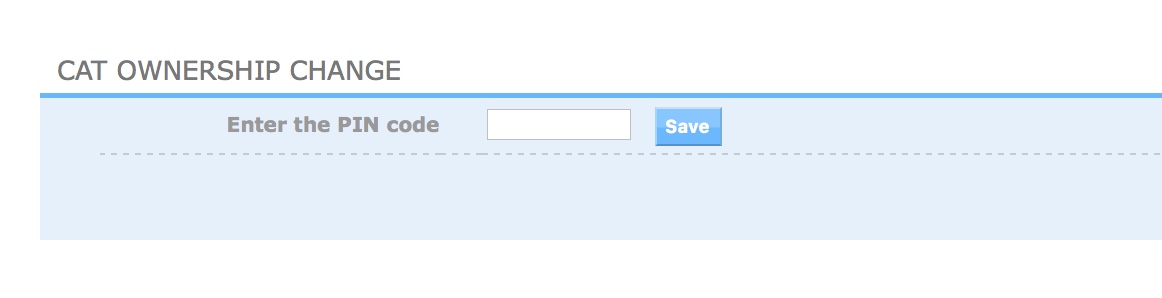
    Picture 2: Ownership change view
  3. Cat will now appear to your Cats -tab

NOTE! If even one of the new users does not redeem the cat with PIN code in 30 days, the ownership change will be canceled from all!

Similar Posts

  • |

    The electronic registration book

    The electronic registration book will appear on the cat’s page under the “Registration Book” tab once the cat’s information includes a microchip number. The electronic registration book is visible only to the cat’s owner. (By default, the view does not work on mobile devices) If the Registration Book page loads blank, it means the cat…

  • Foreign show results

    We recommend that you always report foreign show results immediately after the show. This make’s both registrars and show secretaries work easier. Also keeping the show results up to date, we manage to avoid extra show result cancellation processes in the show committee. Foreign show results can be reported in Change requests – tab. Add…

  • |

    Registering a litter

    A litter can be registered through Omakissa / Mycats if: The breeder and the sire’s owner have Omakissa/Mycats credentials, valid memberships, and agreements in place. The litter’s date of birth is 3 months old or less. Litter registration must be completed within 3 months of the litter’s birth. If the kittens are registered after 3…

  • | |

    Kotikissan mikrosirun lisääminen Omakissaan

    Before adding information, personal credentials must be created in Omakissa. When you logged in to Omakissa, click on the “Cats” tab. 1.Click the Add Cat button. When you start entering the microchip number, Omakissa informs you of how many characters you still need to input. This makes entering the microchip number series easier. 2. After entering…

  • Kissan terveystiedot

    Jokaisella kissalla on oma Terveystiedot-välilehti, jonne tallennetaan kissasta otetut terveystiedot. Tiedot on jaettu kahteen osaan: ”Pakolliset ja suositellut terveystiedot” sekä ”Muut terveystiedot”.Terveystietoja voivat lisätä vain jäsenet, joilla on voimassa oleva jäsenyys (poikkeuksena kuolinsyy, jonka voi lisätä ilman voimassa olevaa jäsenyyttä). Pakolliset ja suositellut terveystiedot -osiosta löytyvät jalostuskäyttöön vaaditut terveystulokset sekä FIFén testiohjelman mukaiset (Kasvatus- ja…

  • Registering a litter

    Normally, litters eligible for registration are registered via the Omakissa service, which also automatically generates the invoice. If you wish to receive a printed registration certificate for the litter or for any of the kittens in the litter, it must be ordered after the registration through the kitten’s individual page. If printed registration certificates are…